macOSWindowsiOSAndroidHub
Mind Studio artifacts
Generate briefings, flashcards, quizzes, and audio overviews from notebook sources.
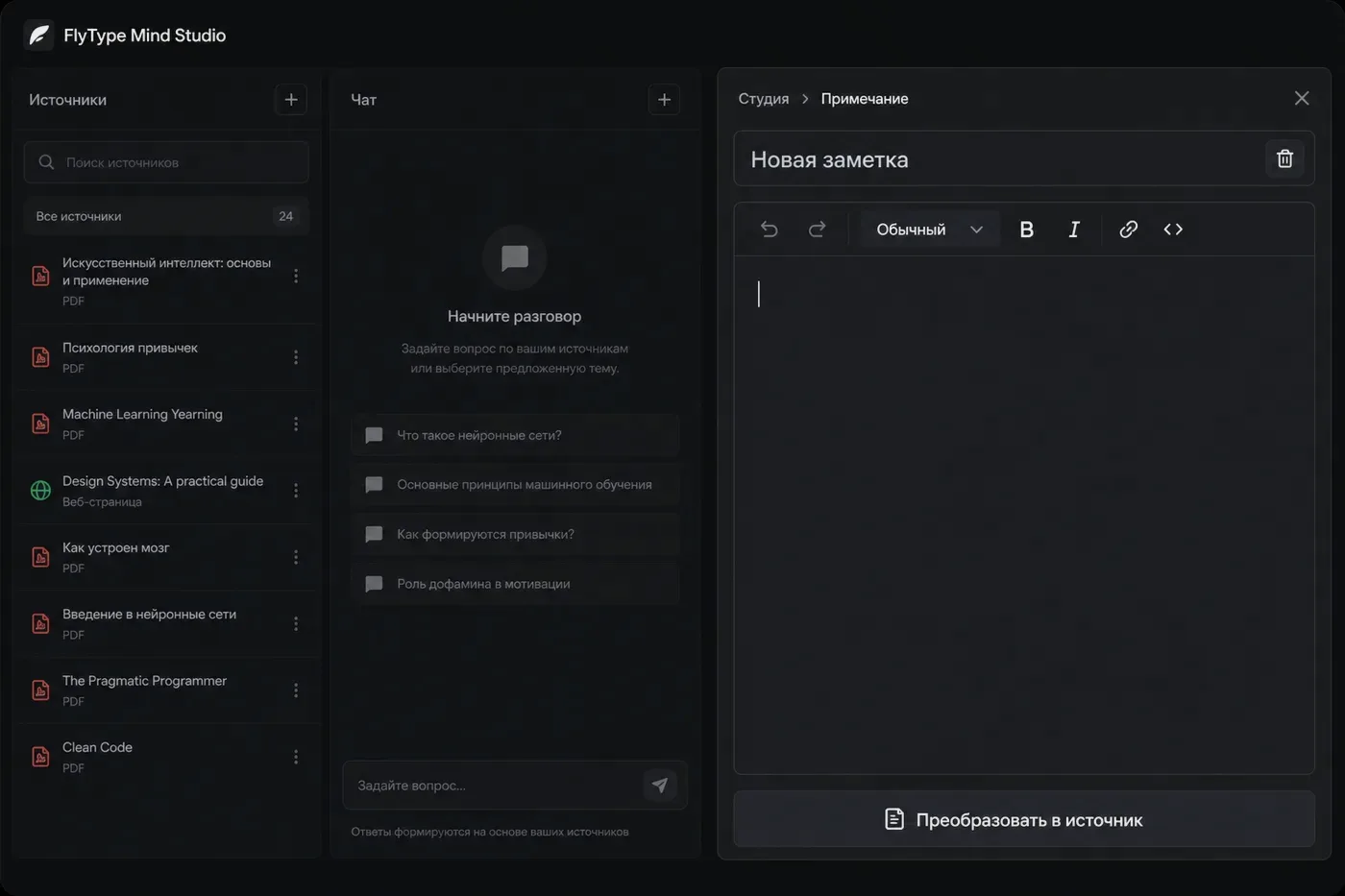
Before you start
- Notebook with at least one Ready source.
Steps
- 1
Open Mind → pick notebook → Studio panel on the right.
- 2
Choose artifact type: Briefing, Study guide, FAQ, Flashcards, Quiz, Timeline, Audio overview, etc.
- 3
Click Generate — server reads indexed source chunks (may take 30–120 s).
- 4
Read inline or Export — Flashcards → Anki CSV; Audio → play in browser.
- 5
Save as note pushes artifact Markdown into FlyType Notes for editing.
Common mistakes
- Pro unlocks Audio overview and Video overview (any notebook size).
- Regenerate after adding sources — old artifacts may miss new material.
- Studio 4.0 catalog (slides, report genres, audio/video presets): /help/mind/studio-4