macOSWindowsiOSAndroidHub
Your first Mind notebook
Create a notebook, add a source, and ask a question with citations.
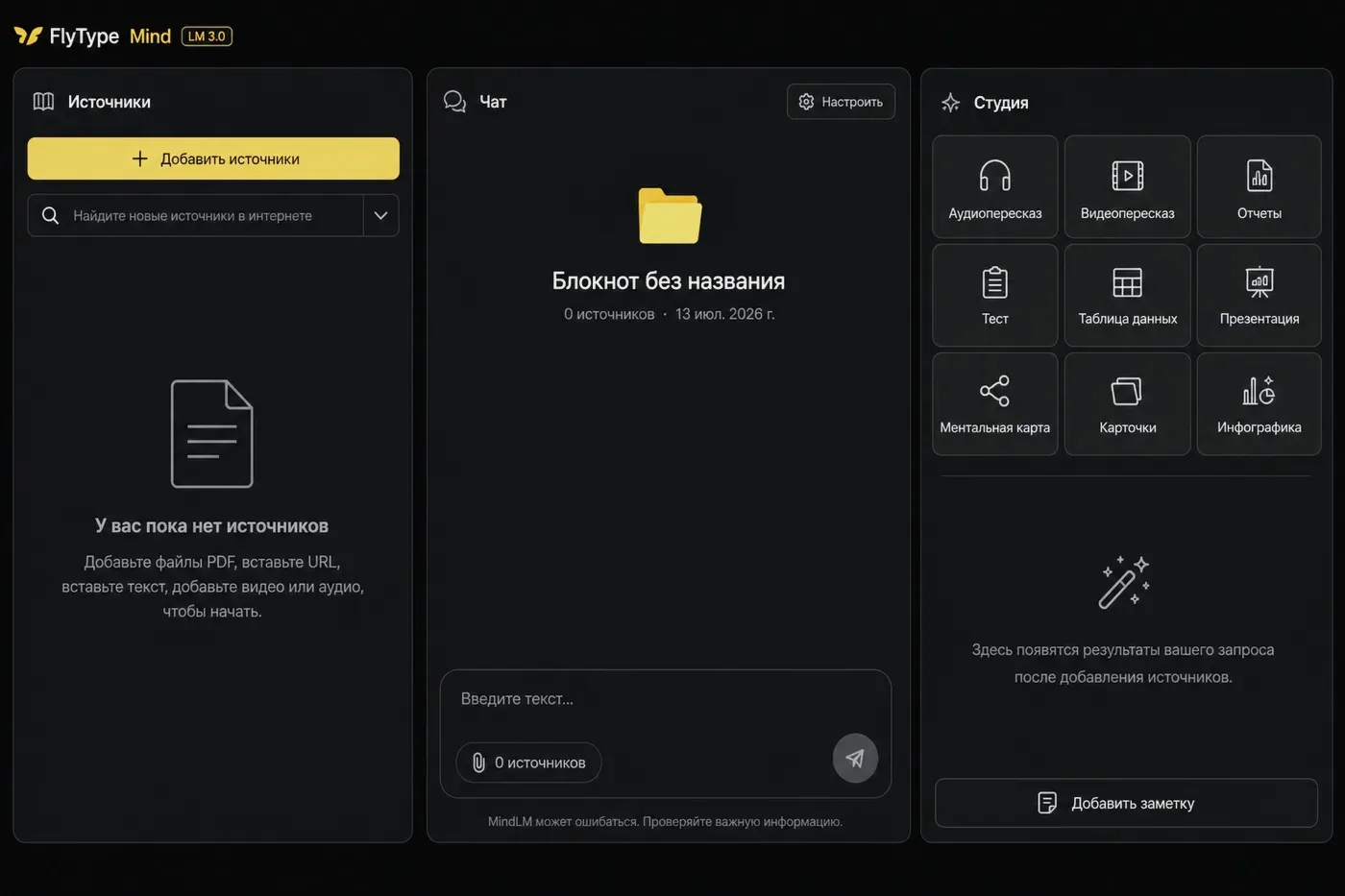
Before you start
- Hub account with Mind enabled (Pro or trial).
Steps
- 1
Open Hub → Mind (or Mind tab in desktop/mobile client).
- 2
Click New notebook — pick a template (Research, Learning, Project) or blank.
- 3
Add a source: paste a URL, upload PDF, or Save to Mind from dictation history.
- 4
Wait for source status Ready (ingest runs on the server — large PDFs take longer).
- 5
Open Chat, ask: "What are the main points?" — the answer includes citation chips linked to source spans.
- 6
Optional: Studio → Briefing or Flashcards to generate study artifacts from the same sources.
Common mistakes
- Broken source? Open source health → Reprocess from the notebook sidebar.
- Team plan: share notebook with teammates from notebook settings.
- If chat says it timed out: wait for sources Ready, retry once (clients auto-retry a cold start), and keep the app updated — Expert notebooks can take longer than a quick question.