macOSWindowsiOSAndroidHub
Notes basics
Create notes, folders, tags, and keep everything in sync.
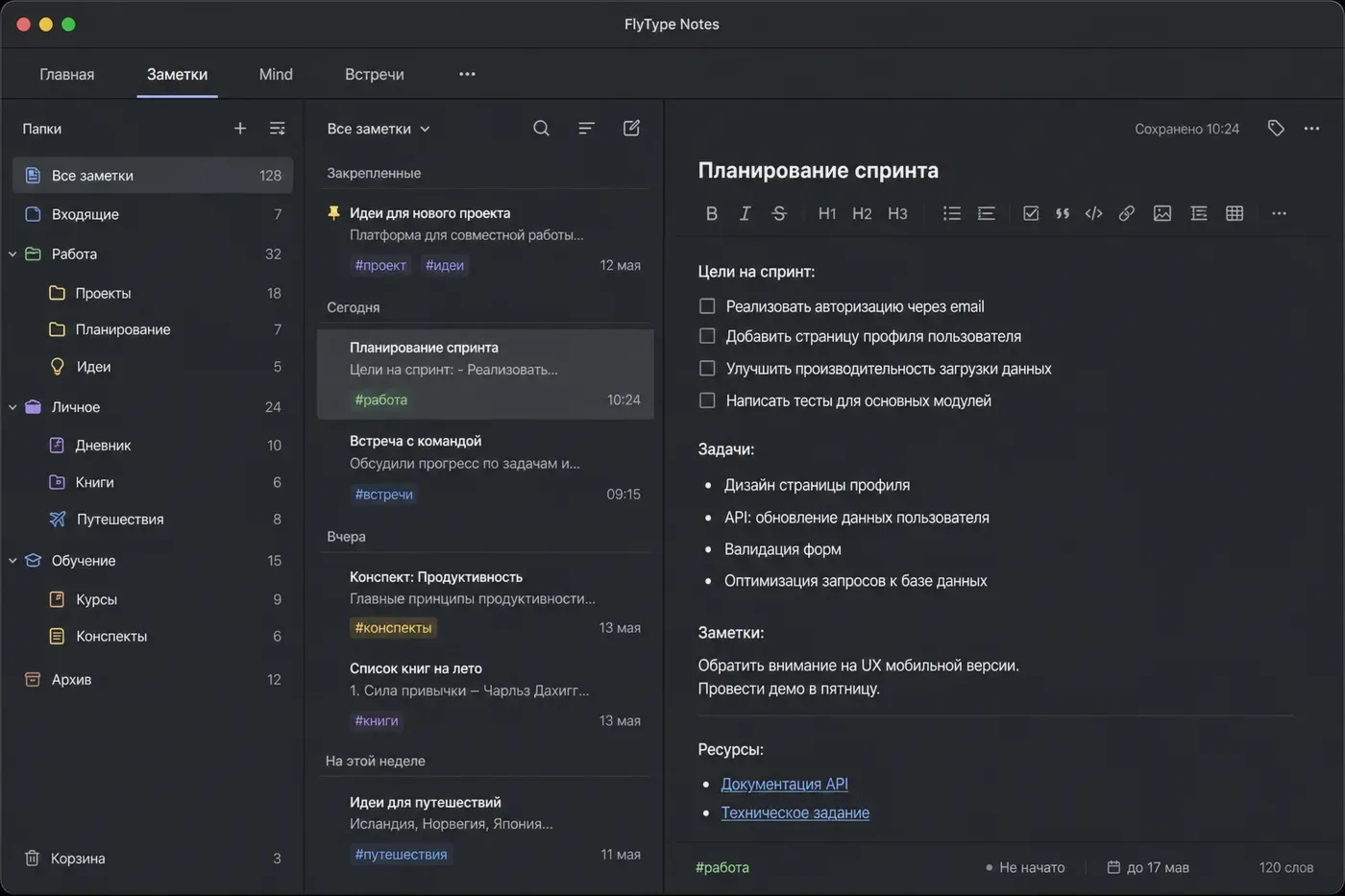
Notes: create → sync across devices (18 s).
Before you start
- Signed in with cloud sync enabled.
Steps
- 1
Open the Notes tab (mobile/desktop) or Hub → Notes in the browser.
- 2
Tap New note — title is optional; first line can become the title automatically.
- 3
Add folders from the sidebar and tags with #hashtag or the tag picker.
- 4
Edit on any device — changes sync within seconds. Updated_at wins on conflicts; Hub shows a conflict banner if needed.
- 5
Use AI actions: Summarize, Structure, Classify — available from the note toolbar when online.
Common mistakes
- Capture outbox: voice captures queue offline and upload when back online.
- Export Markdown or Obsidian vault from the note menu on desktop/mobile.