Mind source ingest
Upload documents, media, code, office, web archives — and fix failed sources.
Before you start
- Mind notebook open.
Steps
- 1
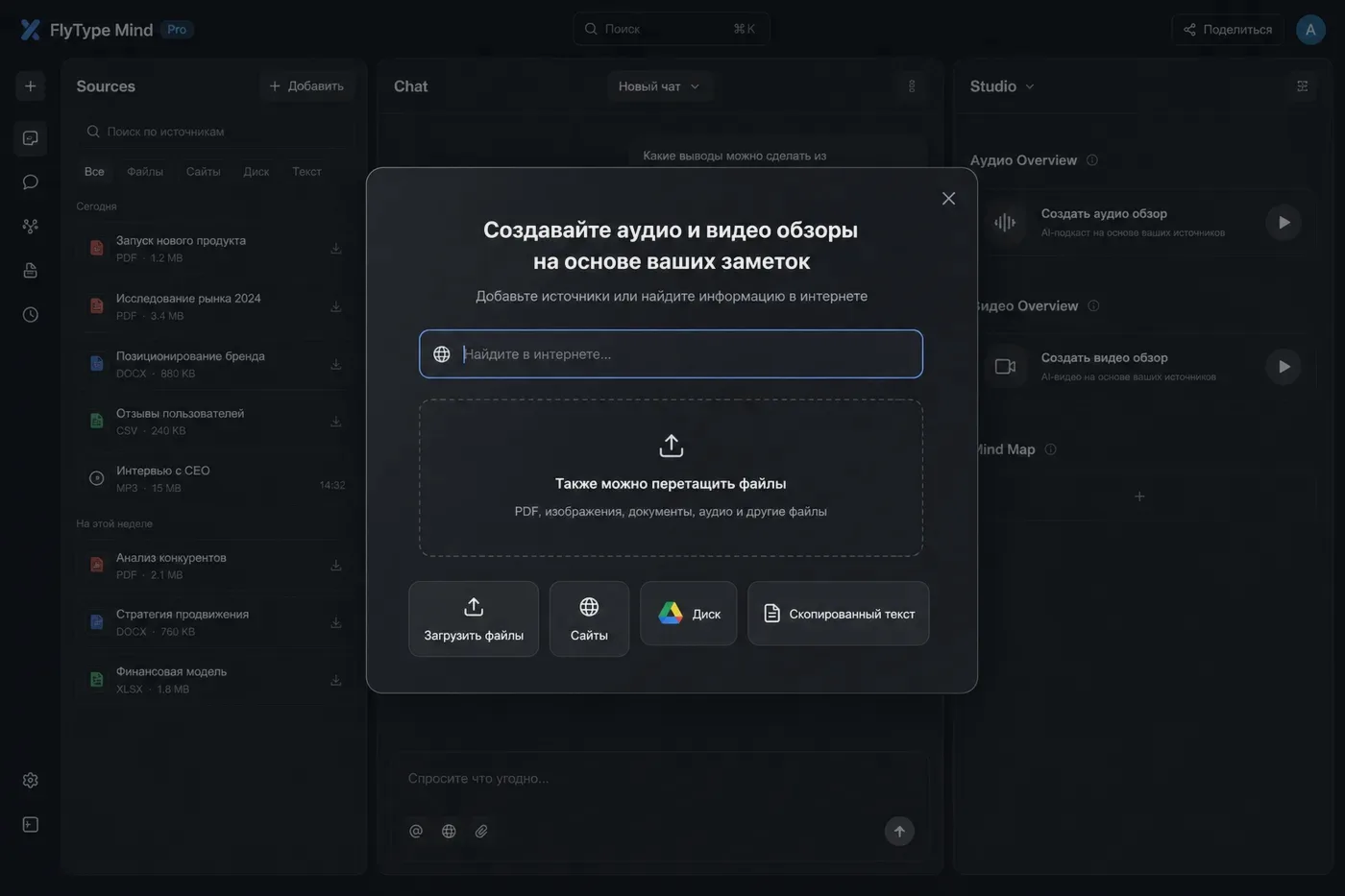
Add source: drag files, paste a URL, import a folder/zip (desktop/Hub), or paste a YouTube link.
- 2
FlyType stores extracted text + chunks in the cloud — not a live copy of your disk folder. Origin paths are metadata for refresh UI only.
- 3
Supported families: PDF/DOCX/ODT, PPTX/XLSX, audio/video, images, code + ZIP/TAR, Jupyter, subtitles, ICS/VCF, MHTML.
- 4
Legacy DOC/PPT/XLS convert when the convert sidecar is configured (or mock in CI).
- 5
Status pipeline: Queued → Processing → Ready (or Error).
- 6
Large scanned PDFs run OCR — may take several minutes.
- 7
YouTube/audio/video: server extracts transcript (and keyframes for video).
- 8
Error state: open source → Reprocess; check file size limits on Hub banner.
- 9
Chat citations may include slide#, time, file:line, msg#, cell# anchors.
Common mistakes
- Batch upload images as an album (≤20) for fingerprint dedup.
- Folder import: preview tree, pick Skip/Replace/Allow duplicates — see Folder import article.
- Site pack: paste same-origin URLs (one per line) to ingest a small site set.
- Trial has shorter media caps; Pro unlocks longer video/audio and HD image retention.