macOSWindowsiOSAndroidHub
Mind Studio 产物
从笔记本来源生成 Briefing、Flashcards、Quiz 与 Audio overview。
开始之前
- 笔记本至少有一个 Ready 来源。
步骤
- 1
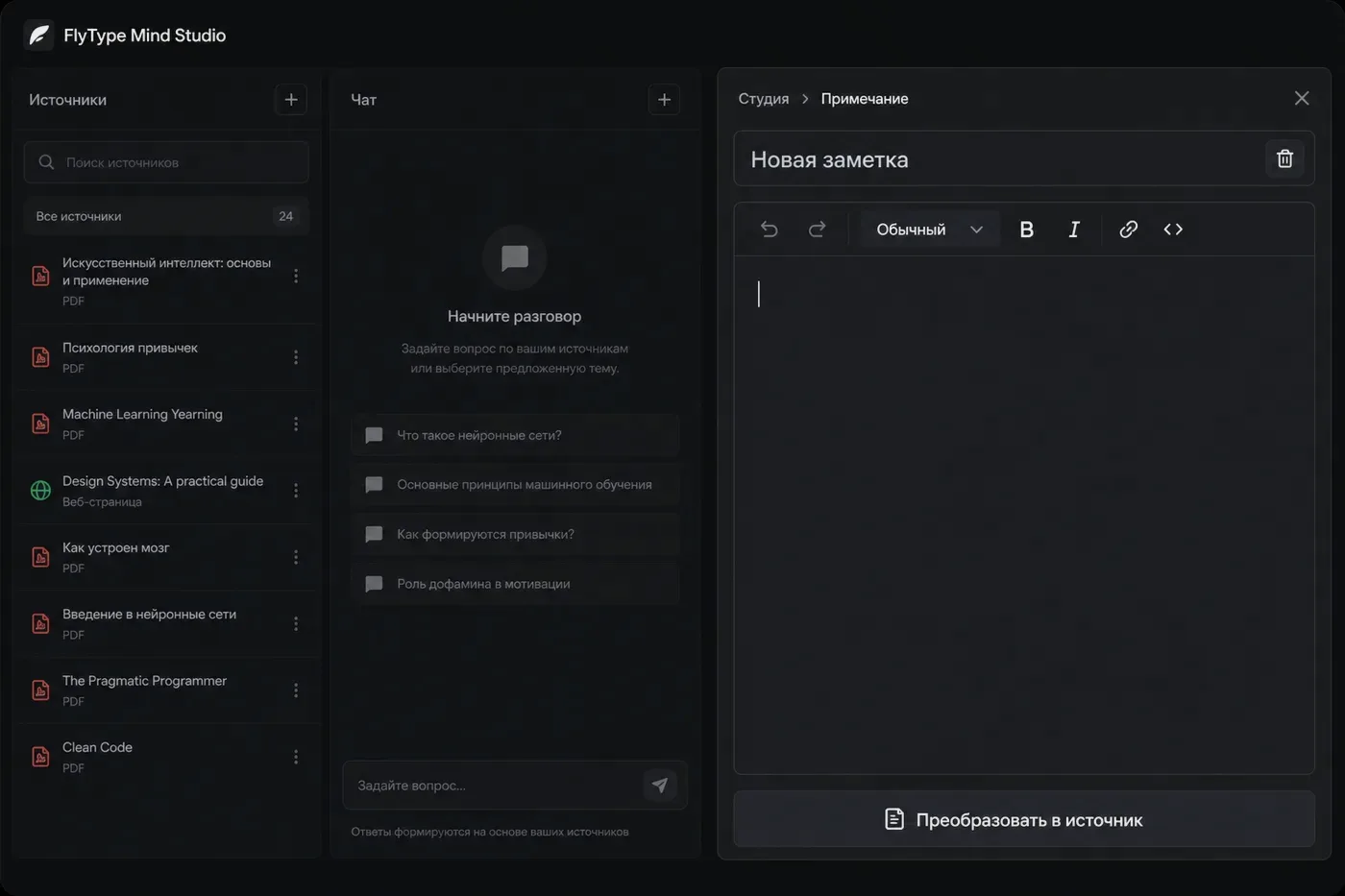
打开 Mind → 选择笔记本 → 右侧 Studio 面板。
- 2
选择产物类型:Briefing、Study guide、FAQ、Flashcards、Quiz、Timeline、Audio overview 等。
- 3
点按 Generate — 服务器读取已索引来源块(可能需 30–120 秒)。
- 4
内联阅读或 Export — Flashcards → Anki CSV;Audio → 浏览器播放。
- 5
Save as note 将产物 Markdown 推入 FlyType Notes 供编辑。
常见错误
- Pro 解锁大型笔记本上的 Audio overview 与 Video overview。
- 添加来源后重新生成 — 旧产物可能缺少新内容。