macOSWindowsiOSAndroidHub
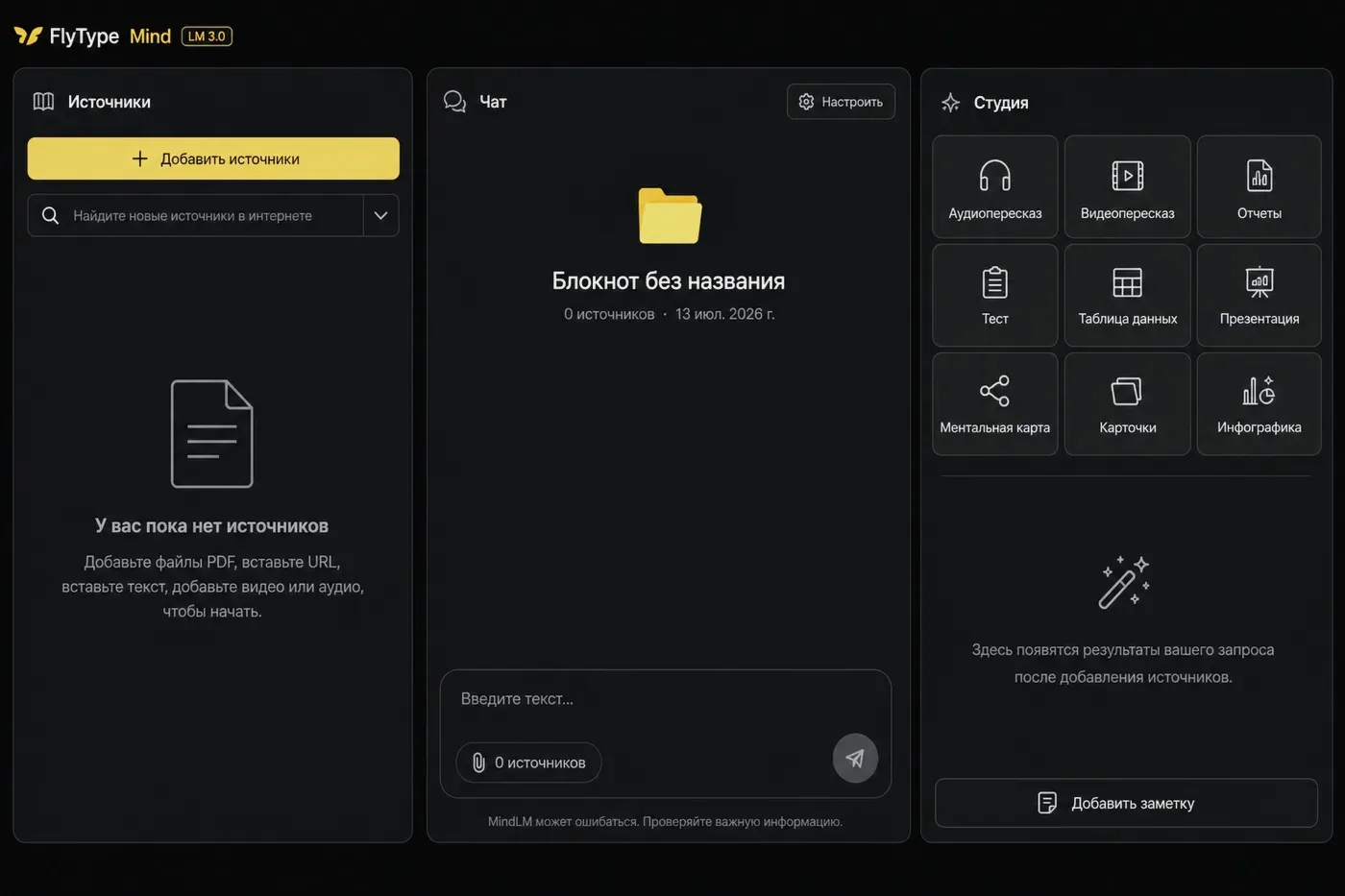
首个 Mind 笔记本
创建笔记本、添加来源,并带引用提问。
开始之前
- 已启用 Mind 的 Hub 账户(Pro 或 trial)。
步骤
- 1
打开 Hub → Mind(或桌面/移动客户端 Mind 标签页)。
- 2
点按 New notebook — 选择模板(Research、Learning、Project)或空白。
- 3
添加来源:粘贴 URL、上传 PDF,或从听写历史 Save to Mind。
- 4
等待来源状态 Ready(ingest 在服务器运行 — 大 PDF 耗时更长)。
- 5
打开 Chat,提问:"What are the main points?" — 回答包含链接到来源片段的 citation chips。
- 6
可选:Studio → Briefing 或 Flashcards,从相同来源生成学习产物。
常见错误
- 来源损坏?打开 source health → 从笔记本侧栏 Reprocess。
- Team 计划:在笔记本设置中与队友共享笔记本。