macOSWindowsiOSAndroidHub
Mind 来源 ingest
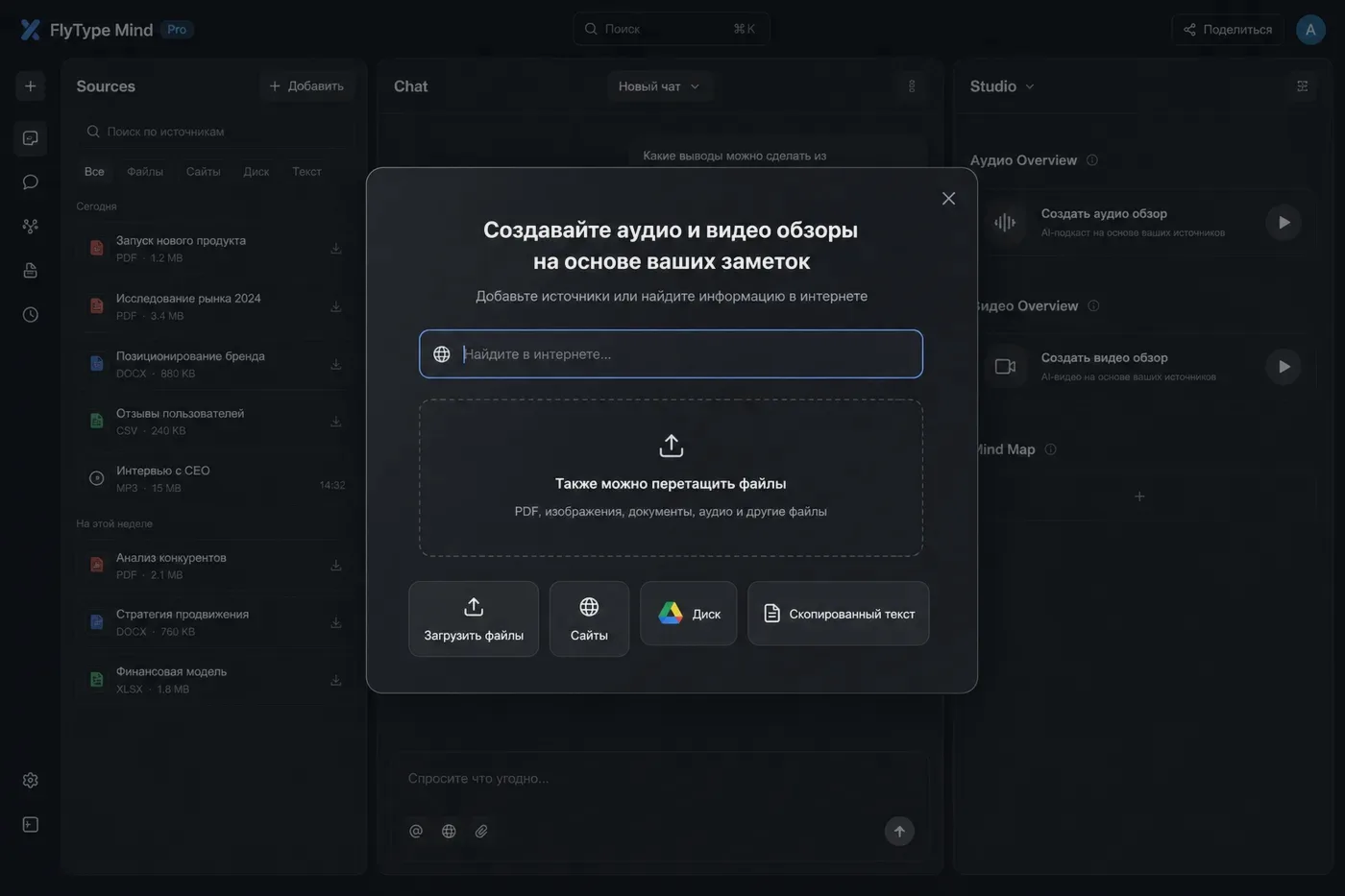
上传 PDF、URL、YouTube、音频 — 并修复失败来源。
开始之前
- Mind 笔记本已打开。
步骤
- 1
添加来源:拖入 PDF、粘贴 URL 或 YouTube 链接。
- 2
状态流水线:Queued → Processing → Ready(或 Error)。
- 3
大型扫描 PDF 运行 OCR — 可能需数分钟。
- 4
YouTube/音频:服务器通过 ffmpeg pipeline 提取转写。
- 5
Error 状态:打开来源 → Reprocess;在 Hub 横幅查看文件大小限制。
- 6
Multimodal:图像多的 PDF 在 Pro 使用 vision ingest。
常见错误
- 批量上传最多 10 个文件 — 观察进度条。
- URL 付费墙失效?本地保存文章为 PDF 再上传。