macOSWindowsiOSAndroidHub
Mind Studio 아티팩트
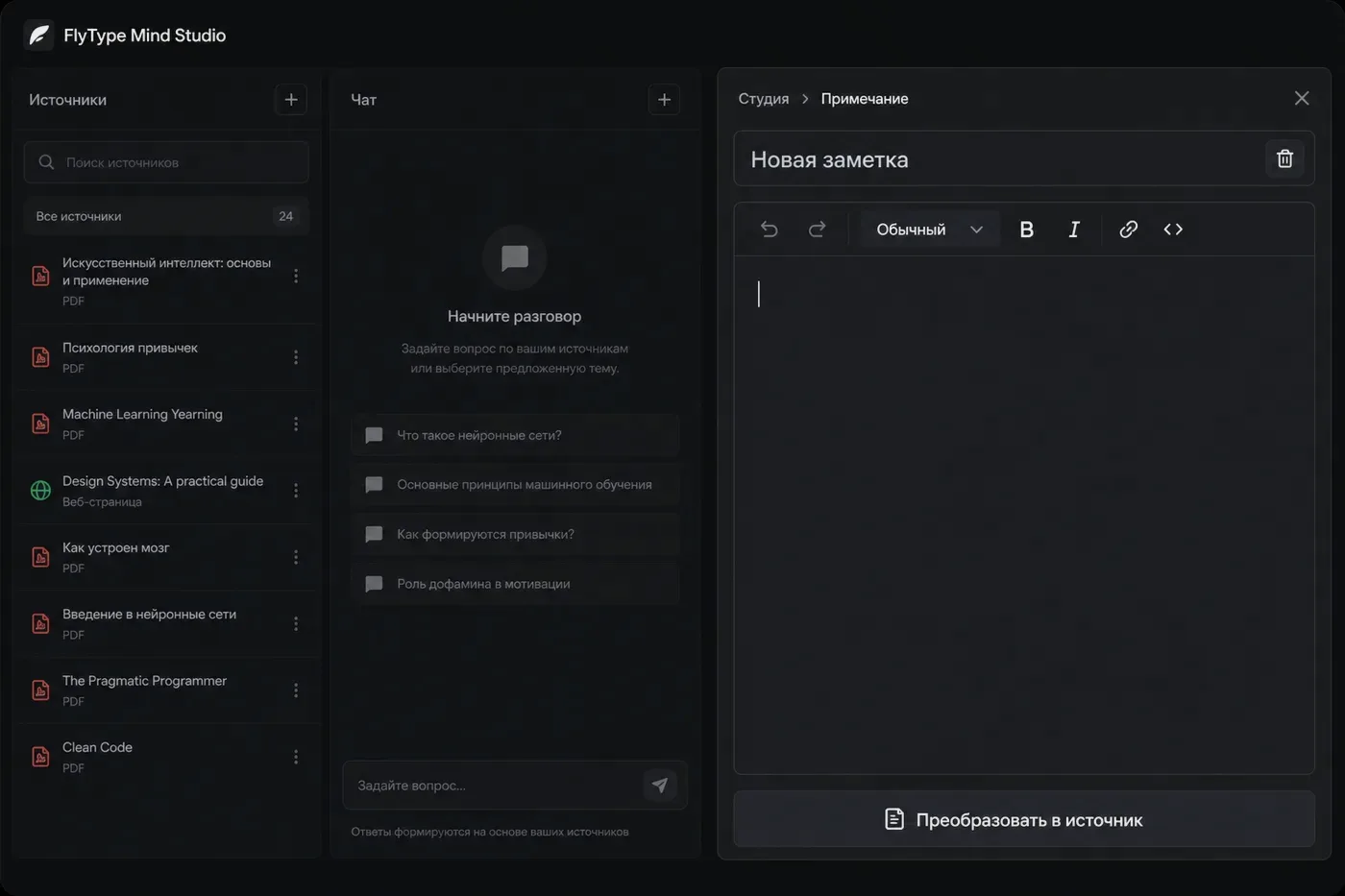
노트북 소스에서 briefing, flashcards, quiz, audio overview 생성.
시작 전
- Ready 소스가 하나 이상 있는 노트북.
단계
- 1
Mind → 노트북 선택 → 오른쪽 Studio 패널.
- 2
아티팩트 유형 선택: Briefing, Study guide, FAQ, Flashcards, Quiz, Timeline, Audio overview 등.
- 3
Generate 클릭 — 서버가 인덱싱된 소스 청크 읽기(30–120초 소요 가능).
- 4
인라인 읽기 또는 Export — Flashcards → Anki CSV; Audio → 브라우저에서 재생.
- 5
Save as note는 아티팩트 Markdown을 FlyType Notes로 보내 편집.
자주 하는 실수
- Pro는 큰 노트북에서 Audio overview와 Video overview를 잠금 해제.
- 소스 추가 후 재생성 — 이전 아티팩트는 새 자료를 놓칠 수 있음.