macOSWindowsiOSAndroidHub
첫 Mind 노트북
노트북 생성, 소스 추가, 인용과 함께 질문하기.
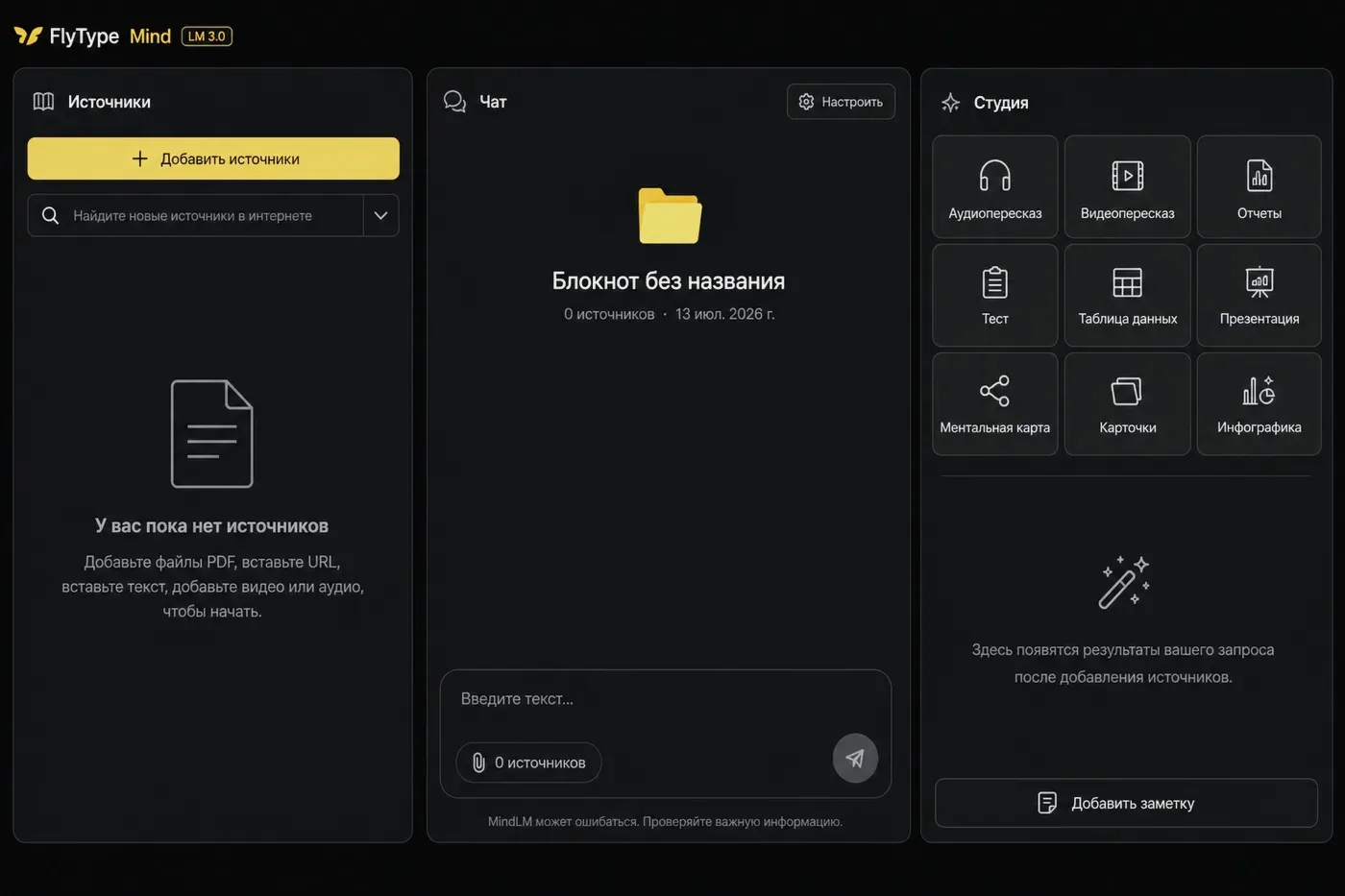
시작 전
- Mind가 활성화된 Hub 계정(Pro 또는 trial).
단계
- 1
Hub → Mind(또는 데스크톱/모바일 클라이언트의 Mind 탭)를 엽니다.
- 2
New notebook 클릭 — 템플릿(Research, Learning, Project) 또는 빈 노트북 선택.
- 3
소스 추가: URL 붙여넣기, PDF 업로드, 또는 받아쓰기 기록에서 Save to Mind.
- 4
소스 상태 Ready 대기(서버에서 ingest 실행 — 큰 PDF는 더 오래 걸림).
- 5
Chat을 열고 질문: "What are the main points?" — 답변에 소스 구간에 연결된 인용 칩이 포함됩니다.
- 6
선택: Studio → Briefing 또는 Flashcards로 같은 소스에서 학습 아티팩트 생성.
자주 하는 실수
- 소스가 깨졌나요? 노트북 사이드바에서 source health → Reprocess를 엽니다.
- Team plan: 노트북 설정에서 팀원과 노트북을 공유합니다.
- If chat says it timed out: wait for sources Ready, retry once (clients auto-retry a cold start), and keep the app updated — Expert notebooks can take longer than a quick question.