macOSWindowsiOSAndroidHub
Ihr erstes Mind-Notebook
Notebook erstellen, Quelle hinzufügen, Frage mit Zitaten stellen.
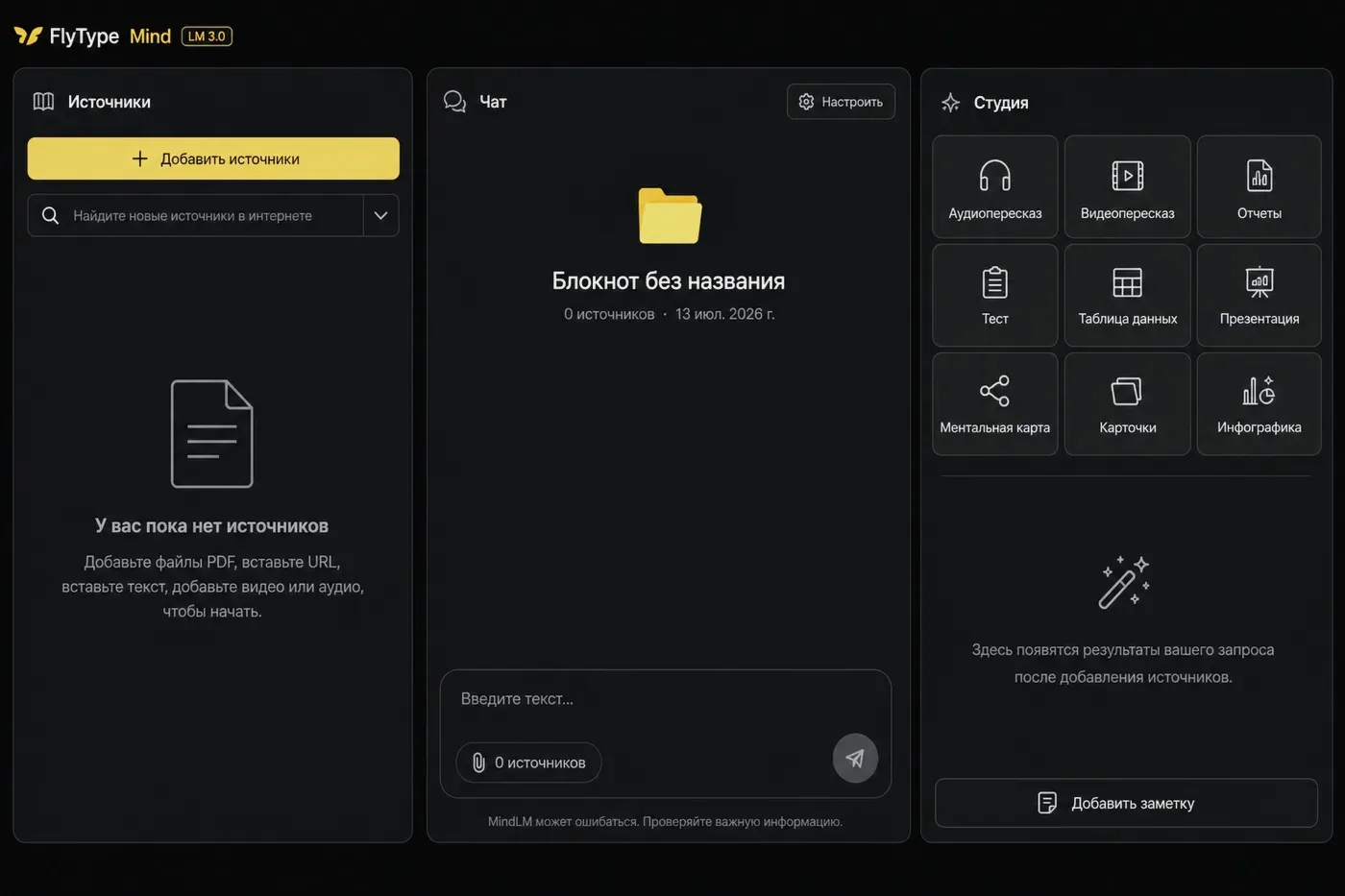
Bevor Sie starten
- Hub-Konto mit Mind aktiv (Pro oder Trial).
Schritte
- 1
Hub → Mind (oder Mind-Tab in Desktop/Mobile-Client).
- 2
New notebook — Vorlage (Research, Learning, Project) oder leer.
- 3
Quelle: URL einfügen, PDF hochladen oder Save to Mind aus Diktat-Verlauf.
- 4
Auf Quellenstatus Ready warten (Ingest auf Server — große PDFs dauern länger).
- 5
Chat öffnen, fragen: "Was sind die Hauptpunkte?" — Antwort mit Zitat-Chips zu Quellenabschnitten.
- 6
Optional: Studio → Briefing oder Flashcards für Lernartefakte aus denselben Quellen.
Häufige Fehler
- Quelle kaputt? Source health → Reprocess in Notebook-Seitenleiste.
- Team-Plan: Notebook in Einstellungen mit Team teilen.
- If chat says it timed out: wait for sources Ready, retry once (clients auto-retry a cold start), and keep the app updated — Expert notebooks can take longer than a quick question.